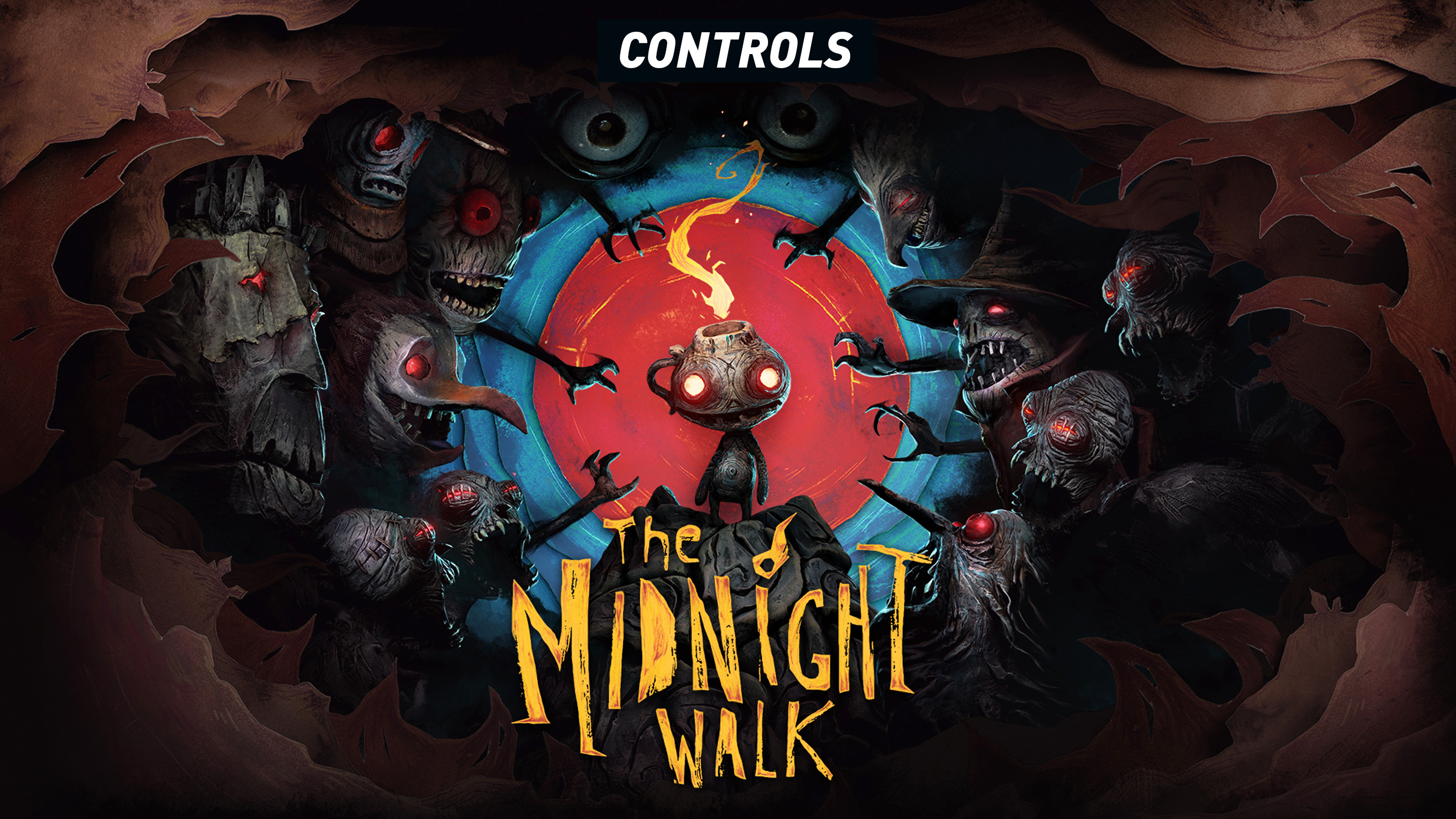
The Midnight Walk uses a compact control layout built around exploration, stealth, Potboy commands and one of the game's most unusual mechanics: deliberately closing your eyes.
You play as the Burnt One while travelling through a handcrafted clay world with Potboy, a small lantern creature who helps solve puzzles and distract threats. Most of the controls are simple, but several actions become much more important once the game starts mixing darkness, Crawlers, audio clues and environmental puzzles.
The table below covers the standard flatscreen controller layout. The Midnight Walk can also be played in VR on supported hardware, where interaction and comfort settings work differently.
The Midnight Walk Controller Controls
| Action | PlayStation | Xbox Style Controller |
|---|---|---|
| Move | Left Stick | Left Stick |
| Look | Right Stick | Right Stick |
| Sprint | Hold L3 | Hold Left Stick |
| Interact | Cross | A |
| Command / Point Potboy | Triangle | Y |
| Close Eyes | L2 | LT |
| Drop / Throw Held Item | R1 | RB |
| Crouch / Sneak | Circle | B |
| Pause | Options | Menu Button |
Contextual prompts can add actions during puzzles, hiding sequences and story interactions, so pay attention whenever a new mechanic is introduced.
Movement and Camera Controls
Use the left stick to move the Burnt One and the right stick to look around.
The Midnight Walk is primarily an exploration and horror adventure rather than an action game. Movement is usually slow enough to let you study the environment, but certain chase and stealth sections reward more deliberate control.
Look Around before Moving Forward
Rooms often contain several useful elements at once, including hiding places, candles, Potboy interaction points and collectible routes. A quick camera sweep can save you from walking straight into danger.
How to Sprint
Hold L3 while moving to sprint.
Sprinting is useful during escapes and when crossing areas that you already know are safe, but it should not become your default movement speed.
Do Not Sprint through Every Dark Area
Some enemies are easier to avoid when you move carefully and listen. Running through a room before understanding its layout can leave you trapped with no obvious hiding place.
How to Interact
Press Cross on PlayStation or A on an Xbox style controller to interact with highlighted objects.
This is used for doors, switches, candles, environmental mechanisms, collectibles and other context sensitive actions.
Move Close before Pressing Interact
If nothing happens, reposition yourself and aim toward the exact object. The game sometimes expects you to face a specific part of a mechanism rather than simply stand nearby.
How to Command Potboy
Press Triangle or Y to point Potboy toward a valid destination or interaction.
Potboy is more than a companion. His flame can activate parts of the environment, help with puzzle sequences and create useful distractions.
Look for Places You Cannot Reach Yourself
If a candle, pressure point or puzzle object is separated from the main path, try sending Potboy instead of searching for another route.
Watch Potboy after Giving the Command
Do not immediately turn away. His movement or reaction often confirms whether you have selected the correct target.
Closing Your Eyes
Hold L2 or LT to close your eyes.
This is one of the defining mechanics in The Midnight Walk. Closing your eyes changes how you perceive the environment and allows you to rely on sound, reveal certain hidden information and deal with specific supernatural threats.
Use Headphones If Possible
Closing your eyes shifts attention away from visual information. Directional audio makes it much easier to understand where an important sound or threat is coming from.
Do Not Hold It Forever
Listen for the clue you need, then reopen your eyes and act. Staying blind longer than necessary can make it harder to keep track of your surroundings.
Dropping and Throwing Items
Use R1 or RB when carrying a throwable object.
A quick input drops or uses the item contextually, while some situations allow you to hold the input to prepare a stronger throw.
Thrown objects are particularly useful during stealth because noise can draw a creature away from the route you want to take.
Throw Away from Your Escape Route
The best distraction is one that pulls the enemy in the opposite direction. Avoid throwing an object directly beside the doorway or hiding place you plan to use.
Crouching and Sneaking
Press Circle or B to crouch.
Crouching helps you move more carefully during stealth sections and can also be required for low passages or environmental obstacles.
Stay Low near Crawlers
When the game gives you room to observe rather than forcing an immediate chase, crouching is usually safer than running straight through the area.
Potboy and Light Controls
Light is central to both navigation and puzzle solving. Potboy's flame can activate environmental objects and becomes especially useful when the required interaction is outside your direct reach.
Do not treat him like an automatic flashlight. Look around for deliberate places where his flame changes the state of the room.
Light Only What Matters
When a puzzle contains several candles or braziers, watch what changes after each interaction. Randomly activating everything can make it harder to understand the intended sequence.
Using Matches
Matches are used throughout The Midnight Walk to create light and activate certain objects.
Approach the surface or object indicated by the game and follow the contextual prompt. Later sequences may also involve more direct use of lit matches as part of puzzle solving.
Look for Rough Surfaces and Candles
If you have a match but cannot immediately see where it belongs, inspect nearby surfaces, holders and unlit objects before leaving the area.
Hiding
Certain wardrobes and hiding spaces can protect you during enemy encounters.
Move close and use the normal Interact command when the prompt appears.
Do Not Leave Too Early
Use sound to judge whether the threat has actually moved away. Opening the hiding place immediately after losing visual contact can put you directly back in danger.
VR Controls and Comfort
The Midnight Walk can be played in flatscreen mode or in VR on supported platforms, including PlayStation VR2.
VR uses motion based interaction alongside stick locomotion rather than copying every flatscreen button exactly. The game provides seated and standing play options, smooth or snap turning, adjustable turning increments, movement acceleration settings and comfort vignette options.
Choose Comfort before Starting the Story
If artificial movement makes you uncomfortable, configure turning style, vignette strength and seated or standing mode before a long session.
Use the Hearing Assistance Option If Needed
The game includes visual assistance for audio based interactions, which can make the close eyes mechanic more accessible when relying exclusively on directional sound is difficult.
Can You Remap the Controls?
Controller support is available in the flatscreen version, including native PlayStation controller support on PC.
Available rebinding options can vary by platform, so check the Controls or Controller section of the settings menu when using a custom layout.
Frequently Asked Questions
How do you close your eyes in The Midnight Walk?
Hold L2 on PlayStation or LT on an Xbox style controller.
How do you command Potboy?
Press Triangle on PlayStation or Y on an Xbox style controller while pointing toward a valid target.
How do you interact with objects?
Press Cross or A when the interaction prompt appears.
How do you sprint?
Hold L3 while moving.
How do you crouch?
Press Circle or B.
How do you throw an object?
Use R1 or RB while holding a throwable item. Follow the prompt when a charged throw is available.
Why do you need to close your eyes?
Closing your eyes allows you to focus on audio clues, reveal information tied to certain puzzles and survive some enemy encounters that behave differently when you cannot see them.
Can The Midnight Walk be played without VR?
Yes. The full game can be played normally on a screen with a controller or keyboard and mouse.
Does The Midnight Walk support PS VR2?
Yes. PlayStation VR2 is optional rather than required.
Does the game have controller support on PC?
Yes. The PC version supports gamepads, including PlayStation controller configurations.
Get Comfortable with Three Inputs First
If you are just starting, memorize Interact, Command Potboy and Close Eyes before worrying about everything else. Most of the game's puzzles and exploration revolve around those three actions.
The Midnight Walk intentionally keeps the interface restrained. When you understand when to look, when to listen and when to send Potboy ahead, the controller becomes simple enough to disappear into the atmosphere.
See our The Midnight Walk Tips and Tricks Guide for puzzle, stealth, Potboy, collectible and exploration advice.
Comments
No comments yet. Be the first to share your thoughts!