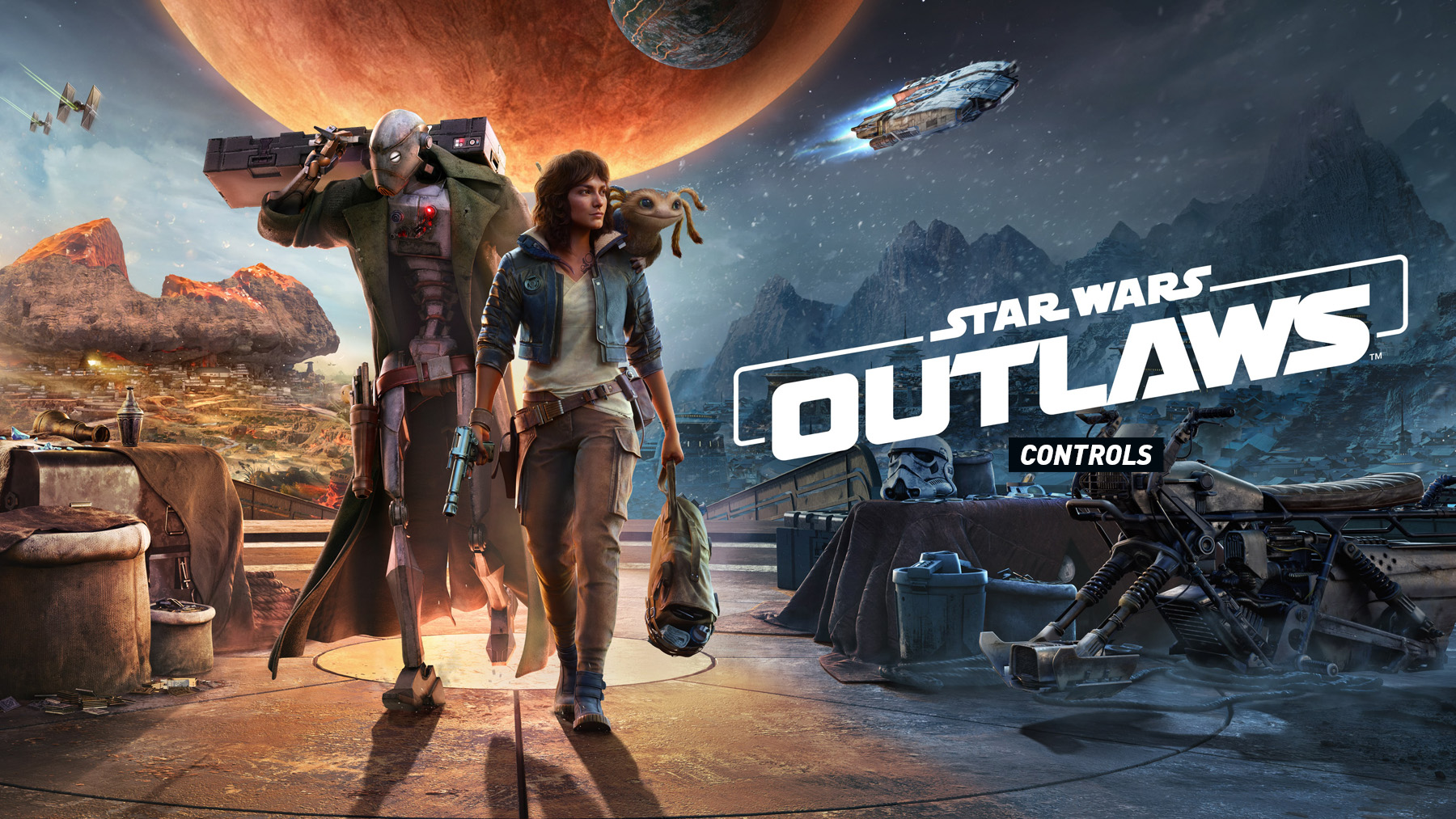
Star Wars Outlaws has separate control layouts for on-foot gameplay, speeder travel, and starship flight. Kay can move, aim, jump, crouch, dodge, use Nix, fire her blaster, call the speeder, and interact with the world, while vehicle sections add acceleration, braking, boosting, dodging, scanning, and ship weapons.
Star Wars Outlaws Controls
| Action | PlayStation | Xbox |
|---|---|---|
| Move | Left Stick | Left Stick |
| Look | Right Stick | Right Stick |
| Jump | X | A |
| Crouch / Dodge | Circle | B |
| Dash / Shoulder Swap / Sprint | L3 | LS |
| Interact | R3 | RS |
| Aim | L2 | LT |
| Fire | R2 | RT |
| Nix Mode | L1 | LB |
| Stun / Reload | R1 / Hold R1 | RB / Hold RB |
| Melee | Square | X |
| Change Weapon Module | Triangle | Y |
| Use Bacta Vial | D-pad Down | D-pad Down |
| Equipment / Pick Up Weapon | D-pad Left | D-pad Left |
| Ping Objective / Nix Sense | D-pad Up | D-pad Up |
| Call Speeder / Whistle | D-pad Right | D-pad Right |
| Adrenaline Rush | L3 + R3 | LS + RS |
| Map | Touchpad | View Button |
| Pause | Options | Menu Button |
Speeder Controls
| Action | PlayStation | Xbox |
|---|---|---|
| Steer | Left Stick | Left Stick |
| Look | Right Stick | Right Stick |
| Accelerate | R2 | RT |
| Brake | L2 | LT |
| Fire | L1 | LB |
| Dodge | R1 | RB |
| Jump | X | A |
| Dismount | Circle | B |
| Boost | Square | X |
| Look Back | Triangle | Y |
| Use Bacta Vial | D-pad Down | D-pad Down |
| Equipment | D-pad Left | D-pad Left |
| Ping Objective / Nix Sense | D-pad Up | D-pad Up |
| Map | Touchpad | View Button |
| Pause | Options | Menu Button |
Starship Controls
| Action | PlayStation | Xbox |
|---|---|---|
| Steer / Pitch | Right Stick | Right Stick |
| Accelerate / Roll | Left Stick | Left Stick |
| Fire Cannons | R2 | RT |
| Fire Missile | X | A |
| Pursuit Mode | L2 | LT |
| Dodge Left | L1 | LB |
| Dodge Right | R1 | RB |
| Boost | Square | X |
| Toggle Turret | Circle | B |
| Interact | Triangle | Y |
| Scan | R3 | RS |
| Use Active System | L3 | LS |
| 180 Maneuver | L1 + R1 | LB + RB |
| Ping Objective / Next Target | D-pad Up | D-pad Up |
| Hyperjump | D-pad Right | D-pad Right |
| Repair / Drop Cargo | D-pad Down | D-pad Down |
| Free Look / Look Back | D-pad Left | D-pad Left |
| Map | Touchpad | View Button |
| Pause | Options | Menu Button |
Additional Notes
Star Wars Outlaws is an open-world action-adventure game where Kay Vess explores planets on foot, travels across open areas on her speeder, and pilots the Trailblazer in space. Nix is central to both stealth and exploration, helping Kay distract enemies, interact with objects, and create openings during missions.
- Nix Mode is one of the most important tools for stealth, distractions, pickups, and environmental interactions.
- Adrenaline Rush is activated with both stick buttons and is useful when Kay is surrounded or needs to clear several enemies quickly.
- The speeder has its own combat and movement controls, including boost, dodge, brake, fire, and look back.
- The Trailblazer has a separate starship layout for space combat, scanning, pursuit mode, missiles, and hyperjump.
- Controls can be changed from the settings menu, so the listed buttons are based on the default controller layout.
Check out Tips and Guide for Star Wars Outlaws
Comments
No comments yet. Be the first to share your thoughts!