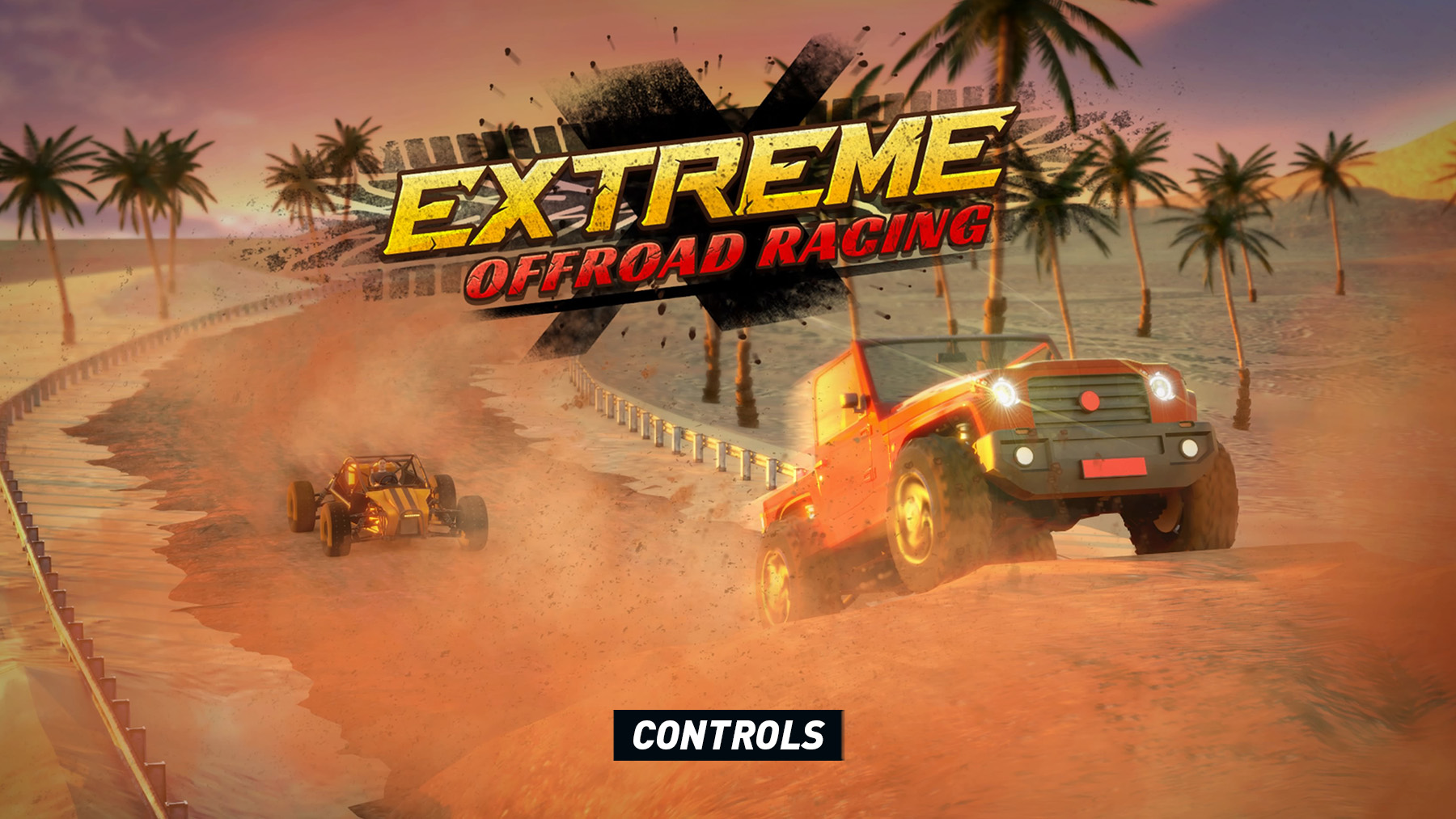
The Extreme Offroad Racing control layout and button mapping for PlayStation, Xbox and PC are explained below. The game uses a standard off-road racing setup focused on steering, throttle control, braking, reversing, camera changes and vehicle recovery.
Extreme Offroad Racing Controls
| Action | PlayStation | Xbox | PC |
|---|---|---|---|
| Steer | Left Stick | Left Stick | A / D |
| Accelerate | R2 | RT | W |
| Brake / Reverse | L2 | LT | S |
| Handbrake | Circle | B | Space |
| Look / Camera Control | Right Stick | Right Stick | Mouse |
| Change Camera | Triangle | Y | C |
| Look Back | R3 | RS | Back View Key |
| Reset Vehicle | Square | X | R |
| Horn | X | A | H |
| Pause | Options | Menu | Esc |
| Navigate Menus | D-Pad / Left Stick | D-Pad / Left Stick | Arrow Keys / Mouse |
| Select / Confirm | X | A | Enter / Left Click |
| Back | Circle | B | Esc |
Additional Notes
- Throttle and brake control matter more than raw speed on rough terrain.
- Handbrake is useful for sharp turns, but overusing it can kill momentum.
- Reset Vehicle helps when the car flips, gets stuck or lands badly.
- Camera changes can make narrow trails, jumps and hill climbs easier to judge.
Comments
No comments yet. Be the first to share your thoughts!