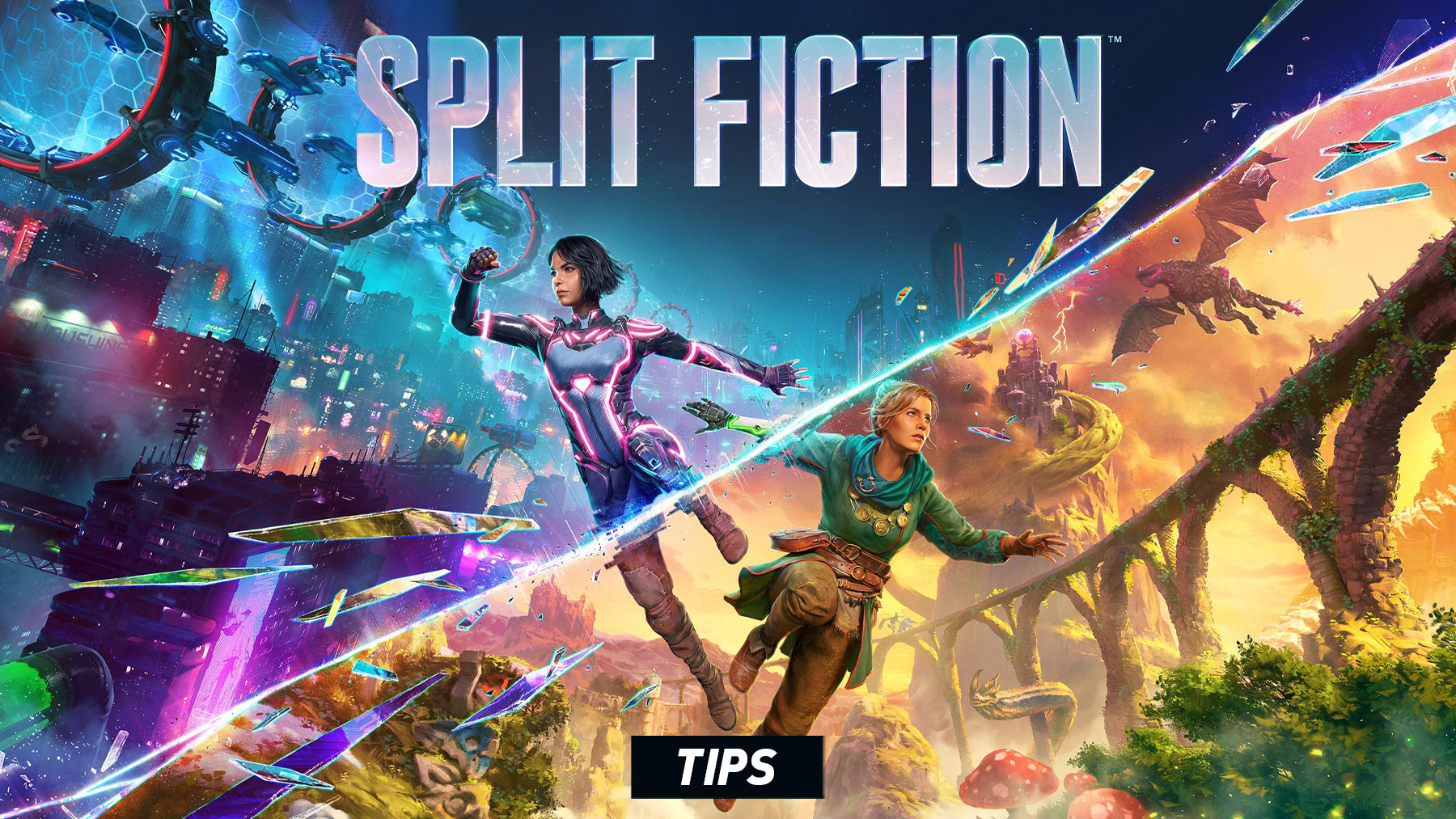
Split Fiction is built around communication, timing, and adapting quickly to new mechanics. Each chapter changes the rules, but the best approach is always the same: talk to your partner, test your abilities, and solve every section as a team.
Communicate Constantly
Split Fiction is designed for two players, so do not play silently. Call out switches, enemies, platforms, hazards, and puzzle clues as soon as you see them.
Test New Abilities Immediately
Every major section introduces new tools. Before rushing forward, press Primary Ability and Secondary Ability a few times so both players understand what their current powers do.
Use Find Other Player Often
If you lose track of your partner, use Find Other Player instead of spinning the camera around. It quickly points you back toward the other player and saves time during large areas.
Reset the Camera During Platforming
Some jumps are much easier when the camera is centered. Use Center View before difficult jumps, moving platforms, chase sections, or fast transitions.
Do Not Rush Puzzle Rooms
Most puzzles are solved by understanding what each character can do. Stop, look around, identify the interactable objects, then decide who needs to act first.
Watch Your Partner’s Screen
Because the game uses split-screen design, your partner’s screen often shows information you cannot see. Check their view when solving puzzles or timing co-op actions.
Use Grapple Points Quickly
Grapple sections usually expect fast movement. Look for highlighted grapple points, aim cleanly, and keep moving instead of hesitating mid-air.
Dash Before Long Gaps
Dash is useful for platforming distance, dodging hazards, and correcting jumps. If a gap looks slightly too far, combine movement, jump, and dash.
Stay Close During Action Sections
When combat or chase scenes begin, staying near your partner makes revives, shared objectives, and enemy control much easier.
Revive Quickly But Safely
If your partner goes down, do not revive blindly in danger. Clear immediate threats or wait for a safe opening before helping them up.
Look for Character-Specific Tasks
Many sections give Mio and Zoe different roles. If one player cannot interact with something, the other player may have the correct ability.
Use Audio and Visual Cues
The game often signals danger, timing windows, and puzzle solutions through sound effects, glowing objects, camera framing, and character dialogue.
Explore Side Paths
Optional paths can lead to extra scenes, fun interactions, or hidden moments. Before entering the obvious main route, check corners and alternate platforms.
Be Patient With Your Partner
Some sections require repeated timing. Instead of blaming mistakes, count down jumps, call out button presses, and restart with a clearer plan.
Use Friend’s Pass for Online Co-op
Only one player needs to own the game for online co-op if the other uses Friend’s Pass. This makes it easier to play with a friend who does not own the full game.
Adjust Accessibility Settings
Check the accessibility and camera settings if motion, camera shake, or timing feels uncomfortable. Small adjustments can make the experience much smoother.
Think Like a Co-op Puzzle Team
The fastest solution is rarely one player doing everything. Split tasks, describe what you see, and treat every new mechanic as a two-person toolset.
Comments
No comments yet. Be the first to share your thoughts!