
SAROS rewards players who stay sharp, stay mobile, and use every tool instead of relying only on raw shooting. It looks like a stylish sci-fi shooter at first, but the real rhythm is closer to a combat dance: dodge through danger, shield the right attacks, fire back with purpose, then spend your strongest tools before the screen becomes impossible to control. These SAROS tips will help you survive longer runs, understand the Power Weapon, and build better habits from the start.
Learn the Difference Between Alt-Fire and Power Weapon
L2 is not a normal aim button. Pressing it partway activates Alt-Fire, while holding it fully down activates the Power Weapon. This matters because Alt-Fire is usually a frequent offensive tool, while the Power Weapon is a heavier option that should be used when enemies are grouped, shield energy is ready, or a dangerous target needs to disappear quickly.
Do Not Waste the Shield
The shield is not just a panic button. Use it when you can clearly read incoming fire, especially against dense projectile patterns. Shielding at the right moment can turn pressure into opportunity, while shielding too early can leave you exposed when the real attack arrives.
Dash With Intention
Dash is one of your safest tools, but it should not be spammed blindly. Use it to cross bullet lanes, escape corner pressure, reposition behind enemies, or create enough space to reload. If you dash without a plan, you may land directly inside the next wave of projectiles.
Keep Moving Even While Shooting
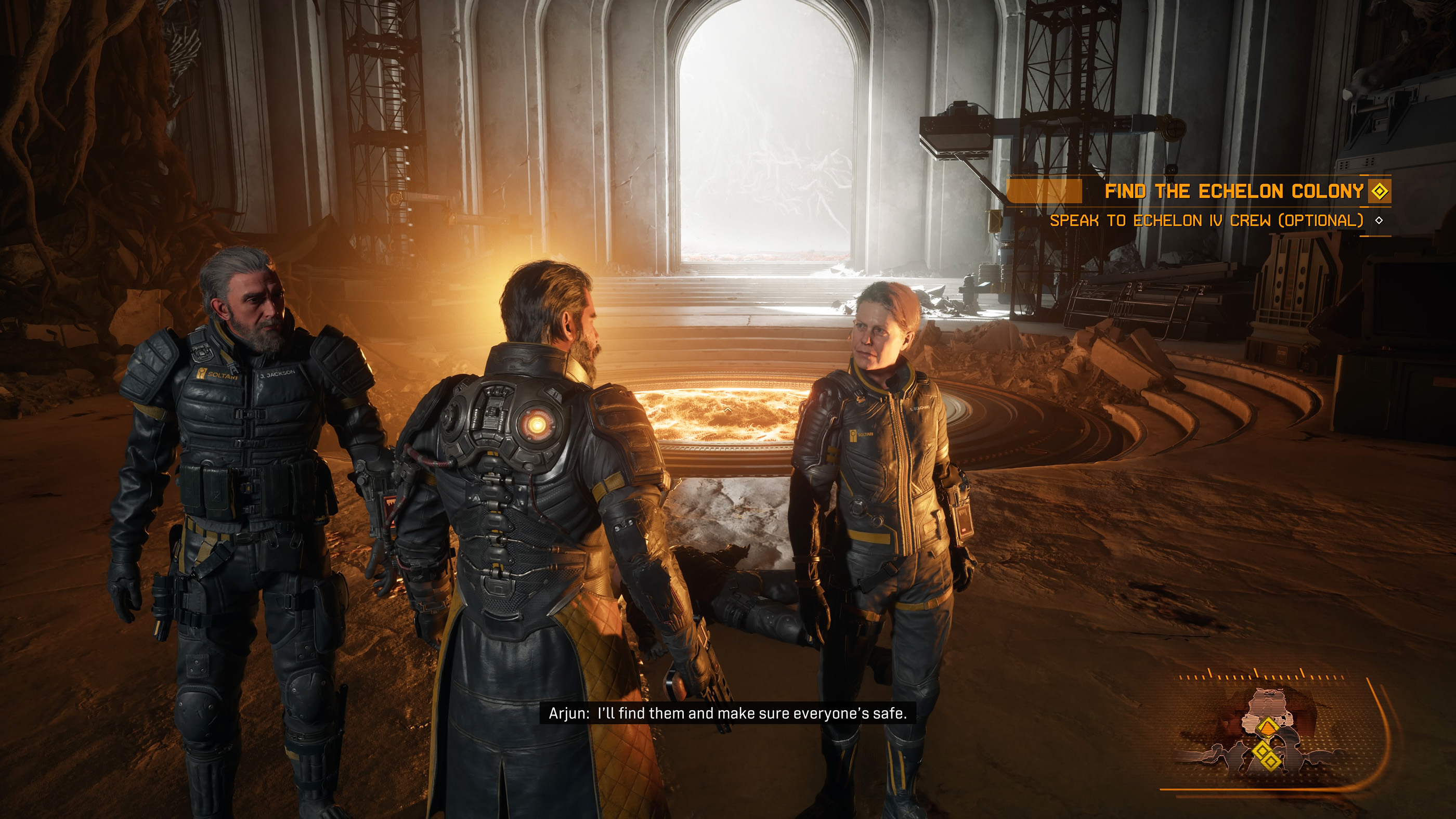
Standing still is usually the fastest way to lose control of a fight. Strafe while firing, keep small circles around slower enemies, and avoid backing yourself into arena edges. SAROS is built around motion, so your aim and movement should happen together.
Use Jump to Break Enemy Rhythm
Jump is not only for traversal. In combat, it can help you avoid ground-level danger, reset your spacing, or cross awkward terrain. When a fight feels too crowded, combining jump and dash can give you the extra second needed to breathe.
Reload Before the Arena Gets Messy
R3 reload is easy to forget in the middle of a fight. Do not wait until you are empty while enemies are already surrounding you. Reload during quiet moments, after killing a wave, or right after creating distance with a dash.
Use Area Scan When You Enter New Spaces
Area Scan is easy to ignore, but it helps you read rooms more quickly. Use it when you enter a new zone, after a fight, or when you are unsure where to go next. In a game this fast, a few seconds of information can prevent a lot of wasted movement.
Spend Overdrive Before It Is Too Late
Many players save Overdrive for a perfect moment that never comes. If you are surrounded, low on health, or facing a high-priority enemy, use it. Overdrive is strongest when it prevents a bad situation from becoming a failed run.
Prioritize Enemies That Control Space
Do not always shoot the closest enemy first. Targets that fill the arena with projectiles, trap your movement, or force you into bad positions should be removed early. Once the battlefield is cleaner, the rest of the fight becomes much easier.
Use the Power Weapon on Purpose
The Power Weapon is best used when it solves a real problem. Save it for shielded enemies, elite threats, crowded waves, or moments where regular fire is not clearing space fast enough. If you only use it because it is available, you may not have it when the fight turns dangerous.
Watch the Arena, Not Just the Crosshair
Good SAROS play is about screen awareness. Keep your eyes moving between your target, incoming bullets, arena edges, and escape routes. If you only focus on aiming, you will miss the projectile pattern that is about to trap you.
Do Not Hug Walls for Too Long
Walls feel safe, but they can become a trap. If enemies push you into a corner, your dodge routes shrink and projectile patterns become harder to escape. Use the center of the arena when possible, then move outward only when you need space.
Customize Controls if L2 Feels Awkward
Because L2 has both Alt-Fire and Power Weapon behavior, some players may need time to adjust. If your controller has trigger stops, custom trigger sensitivity, or remapped buttons, test the Power Weapon early. You need the game to recognize a full L2 press reliably.
Use Melee Only When It Is Safe
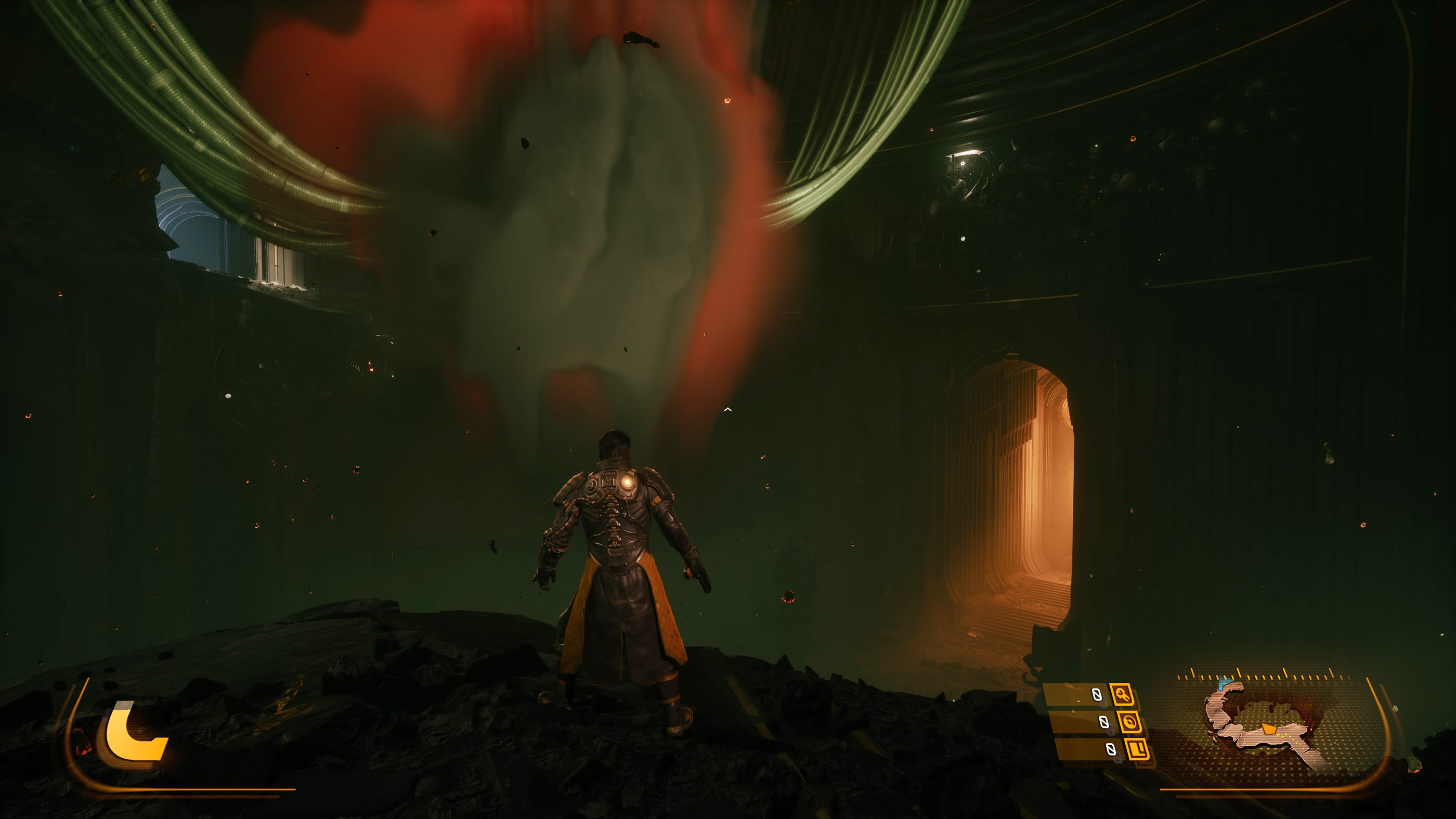
Melee can be useful, but SAROS is dangerous at close range. Use it when an enemy is isolated, staggered, or already pressured. Running into a crowd just to melee usually creates more problems than it solves.
Think of Death as Progress
SAROS is built around repeated attempts and permanent growth. A failed run still teaches enemy patterns, arena layouts, weapon behavior, and upgrade priorities. Instead of rushing straight back in, think about what actually killed you and change one habit next time.
Do Not Ignore Permanent Upgrades
Permanent progression is one of the biggest differences between SAROS and a pure reset-based roguelike. Upgrade choices matter because they shape future runs. Prioritize upgrades that improve survivability, weapon consistency, and recovery before chasing only damage.
Play Around Your Current Weapon
Each weapon changes your ideal distance and tempo. Some reward steady mid-range tracking, while others are better for burst damage or aggressive positioning. Do not force every weapon into the same playstyle. Adjust your spacing, reload timing, and Alt-Fire use based on what you are carrying.
Use Sound and Visual Cues
Housemarque games are built with strong combat feedback. Listen for attack cues, watch enemy windups, and learn which effects signal danger. The faster you recognise these signals, the less you will depend on reacting at the last second.
Stay Calm When the Screen Fills Up
The screen can become chaotic, but most bullet patterns still have readable lanes. When panic hits, stop chasing damage for a moment and focus only on survival. Dash through the cleanest opening, shield if needed, reload if safe, then return fire.
See also Controls and Buttons for SAROS
Comments
No comments yet. Be the first to share your thoughts!