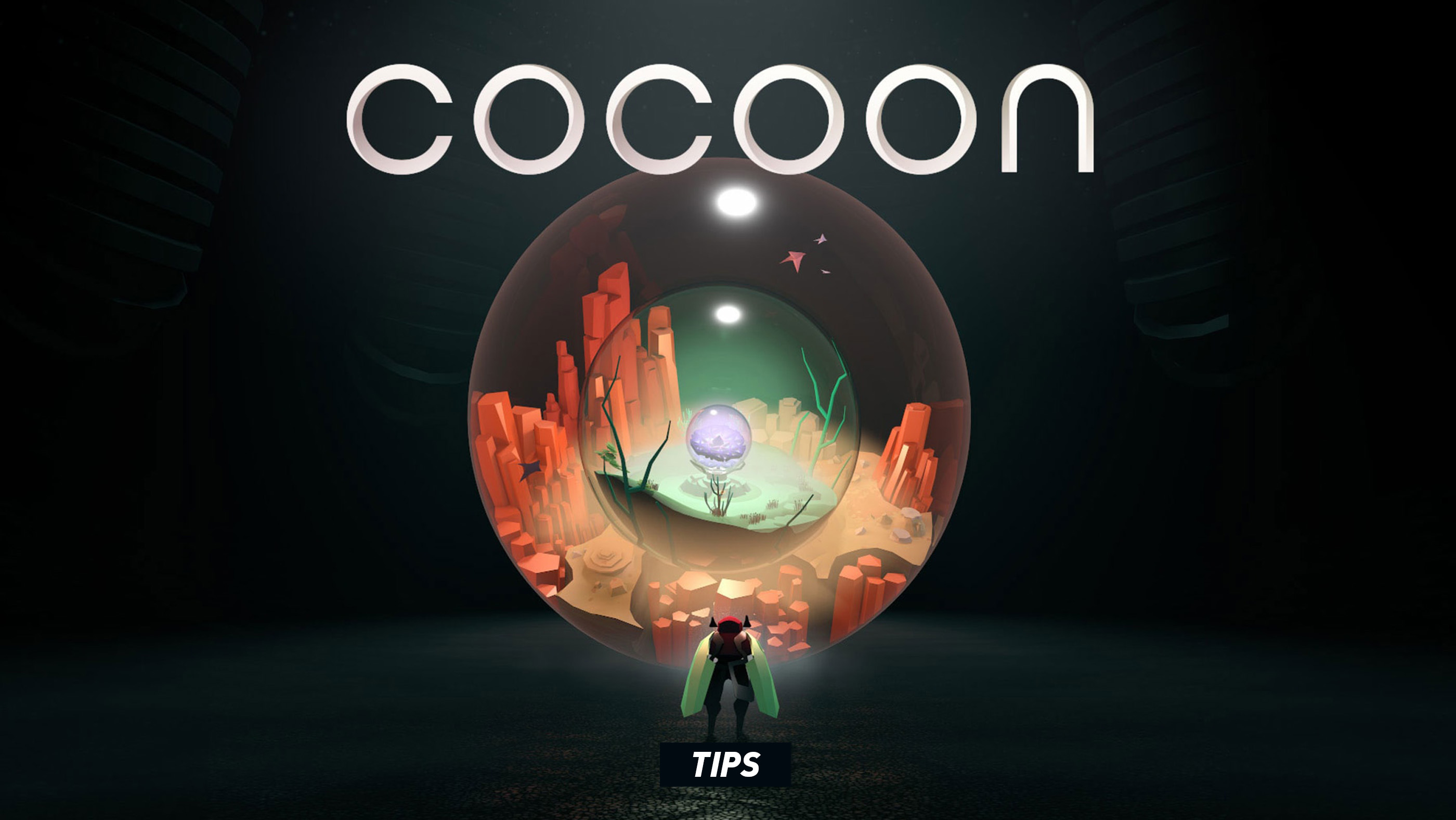
Cocoon rarely explains itself with text. It teaches by placing a strange object in front of you, allowing you to experiment, and then quietly asking whether you truly understood what just happened. That makes the game wonderfully satisfying, but it can also leave you staring at an alien machine while wondering which part of the puzzle you have overlooked.
The most useful Cocoon tips are not step-by-step solutions. They are ways of thinking that help you read the game's visual language, manage multiple world orbs, understand nested worlds, and solve difficult rooms without immediately reaching for a walkthrough. This guide remains as spoiler-light as possible while covering the systems and habits that matter throughout the adventure.
1. Treat Every World Orb as Three Things at Once
A world orb is not merely an object to carry. It is simultaneously a portable world, a power source for machinery, and eventually a tool with its own special ability. When a puzzle appears impossible, reconsider all three uses instead of thinking of the orb only as a key.
2. The Action Button Is Contextual
Because almost every interaction uses the same button, success depends on where you stand. If an action does not trigger, reposition yourself slightly and watch for movement or visual feedback from the object. You may be beside the correct machine but facing the wrong interaction point.
3. Read the Ground Around Pedestals
Pedestals are often connected to bridges, doors, lifts, launchers, or other mechanisms through visible lines and environmental patterns. Before inserting an orb, trace those connections and predict what the pedestal will affect. This turns experimentation into a deliberate test rather than random trial and error.
4. An Orb Left on a Pedestal Is Not Available Elsewhere
Placing an orb may open the path in front of you, but it also removes that orb from your back. Before walking away, consider whether you will need its world or ability on the other side. Many puzzles revolve around opening a route and then finding a way to retrieve the orb.
5. Remember That Worlds Can Be Nested
An orb can be carried into another world, and that world may itself be contained inside another orb. Think of the game as a set of nested containers rather than separate levels. Your real task is often to arrange the worlds in the correct hierarchy.
6. Work From the Inside Out
When several worlds are nested together, begin by asking what must exist inside the deepest world. Then determine which orb must contain it, where that outer orb must be placed, and how you can still reach the final destination. Solving the hierarchy backwards is often easier than moving orbs randomly.
7. Track Where Every Orb Currently Exists
If an orb seems to have disappeared, it is usually inside another world, resting on a pedestal, or contained within the world you are currently carrying. Mentally naming the arrangement—such as “green inside orange”—prevents confusion once three or more layers become involved.
8. The Same Orb Can Solve Different Types of Problems
Early puzzles teach one obvious purpose for an orb, but later rooms combine that purpose with its unlocked ability and the world contained inside it. Do not assume that an orb is relevant only when you see the same pedestal or obstacle used in its tutorial.
9. Carry the Orb You Want to Use
Orb abilities are generally linked to the world carried on your back. If you reach a special activation area and nothing happens, check which orb you are holding. The correct world may be nearby but sitting on a pedestal or nested within another orb.
10. Abilities Work Only in Compatible Areas
A powered orb does not provide an unrestricted attack or exploration command. Its ability becomes usable where the environment supports it. Look for recurring visual shapes, energy fields, markings, or structures associated with that world's power.
11. Watch the Environment When an Ability Activates
Do not focus only on the character or orb. The important effect may occur at the opposite side of the room: a hidden path may appear, a distant mechanism may react, or an object may change state. Pause for a moment and scan the entire scene after every activation.
12. Revisit Earlier Assumptions After Unlocking a Power
A world changes function once its ability becomes available. A route or structure that previously appeared decorative may now be meaningful. When returning through an older area, look at familiar objects as though you were seeing them for the first time.
13. Do Not Assume the Nearest Orb Is the Correct One
Cocoon sometimes places an obvious orb beside a mechanism while the real solution requires bringing a different world from elsewhere. If the immediate setup leads to a dead end, widen the scope of the puzzle and inspect connected areas.
14. Check What Changes When You Put an Orb Down
Carrying an orb can reveal paths, power devices, or alter the environment. Putting it down may reverse those effects. When stuck, compare the room while carrying the orb and while leaving it on a nearby pedestal.
15. Every Important Mechanic Is Taught Safely First
Before Cocoon combines a mechanic with multiple worlds and moving machinery, it usually introduces it in a simple room where failure has little consequence. Pay close attention to these quiet tutorial moments. The game expects you to remember the relationship rather than the exact room.
16. Look for Repeated Visual Grammar
Matching colors, symbols, cables, organic textures, and geometric shapes usually indicate related objects. If two machines resemble one another, they probably respond to the same type of input even when they appear in different worlds.
17. Follow Motion as Well as Color
Not every clue is static. Rotating rings, pulsing lights, moving particles, and creatures travelling along a fixed route can show how a mechanism works. Observe one complete cycle before intervening.
18. Listen for Confirmation
Cocoon communicates through sound as clearly as it does through images. A successful connection, unlocked route, or correctly positioned object usually produces a distinct audio cue. If you press Action and hear no meaningful response, the puzzle state may not have changed.
19. Inspect the Entire Room Before Moving Anything
Take a short lap around a new puzzle area. Identify entrances, exits, pedestals, machines, ability zones, movable objects, and any orb already present. Understanding the pieces before changing their positions makes it easier to recognize cause and effect.
20. Change One Thing at a Time
When experimenting, move one orb or activate one machine, then observe the result. Changing several parts at once makes it difficult to know which action created the useful effect and which one caused the new obstruction.
21. Reset the Puzzle Mentally Before Physically
There is rarely a need to panic when the arrangement becomes complicated. Stop moving and reconstruct the current state: where are you, what are you carrying, which world contains which orb, and which pedestals are occupied? The solution often becomes visible once the state is clearly described.
22. Backtracking Is Usually Short and Purposeful
If you need an orb from a previous area, the game generally provides a manageable way to retrieve it. Do not dismiss an idea simply because it requires walking back through a portal or crossing an earlier bridge.
23. A Closed Route May Be Part of the Solution
Players naturally try to keep every bridge and doorway open, but some puzzles require removing an orb from a pedestal and allowing a route to close behind you. What matters is whether the path ahead remains usable, not whether every previous connection stays active.
24. Think About What Can Cross a Boundary
Your character, the orb on your back, and objects controlled by machinery do not always cross portals or transitions in the same way. Ask which pieces can be carried through a boundary and which must be repositioned from the opposite side.
25. Use Portals as Transportation Devices
Entering a world is not merely changing levels. A portal lets you reposition yourself relative to the orb containing that world. Later puzzles rely on using entrances and exits as parts of the machinery rather than simple doorways.
26. An Orb Can Be Both Your Destination and Your Cargo
One of Cocoon's defining ideas is that you can stand inside a world while that entire world is simultaneously an object somewhere else. Keep both perspectives in mind. A change made outside the orb may affect where or how you can leave the world inside it.
27. Guardian Encounters Are Puzzles, Not Damage Races
Cocoon's large guardians may look like traditional bosses, but repeatedly charging toward them is rarely useful. Study their patterns, identify the safe sequence, and work out how the arena's mechanic creates an opening.
28. Survive First and Learn the Pattern
During a new guardian phase, spend the opening moments moving safely rather than forcing progress. Once you understand the timing and direction of each attack, the required action becomes much easier to perform.
29. Watch the Arena, Not Just the Guardian
The solution may depend on floor markings, moving platforms, launch points, environmental objects, or the position of an orb. The guardian is often only one component of a larger spatial puzzle.
30. Do Not Button-Mash During Encounters
There is only one main action input, so pressing it repeatedly cannot compensate for poor positioning. Move deliberately, wait for the correct opening, and press Action when your character is aligned with the relevant object or opportunity.
31. There Is Usually a Safe Rhythm
Guardian attacks can initially appear chaotic, but their movements are carefully choreographed. Look for a repeated rhythm: evade, reposition, interact, then prepare for the next cycle. Once found, the encounter becomes controlled rather than frantic.
32. Explore Optional Side Paths
Cocoon hides optional discoveries away from its central route. When a path branches without an obvious puzzle objective, investigate it before continuing. Some optional areas become inaccessible after moving too far forward.
33. Pay Attention to Strange Creatures and Structures
An unusual creature, inactive monument, or isolated piece of machinery may be more than scenery. Approach it and test the Action button. Cocoon rewards curiosity without covering the screen in collectible markers.
34. Do Not Rush Through Transitions
The moments between major puzzle areas often contain environmental clues, optional paths, and visual explanations of how the worlds relate. Moving slowly also gives the camera time to reveal landmarks that help with orientation.
35. Use Landmarks Instead of a Map
Cocoon has no conventional map. Navigate by remembering distinctive machines, bridges, pools, creatures, colors, and portal locations. The environments are compact enough that one memorable landmark can usually guide you back to the correct route.
36. The Camera Often Points Toward Something Important
Because the camera is directed automatically, its framing is part of the game's language. When the view pulls outward or shifts toward one side, inspect what has just entered the frame before continuing.
37. Take a Break Before Looking Up a Solution
Cocoon's puzzles depend heavily on changing perspective. Walking away for a few minutes can be more effective than repeating the same sequence. When you return, reconstruct the world arrangement from the beginning instead of continuing the previous unsuccessful idea.
38. Ask the Right Questions When Stuck
Before consulting a walkthrough, answer four questions: Which orb am I carrying? Which worlds are nested inside it? What does each occupied pedestal control? Which unlocked ability has not yet been tested here? One of those answers usually exposes the missing step.
39. Avoid Full Solutions When a Hint Will Do
The pleasure of Cocoon comes from understanding its machinery. When outside help is necessary, search for a gentle hint describing the overlooked mechanic rather than a complete sequence of movements. Preserving the final deduction makes the breakthrough far more rewarding.
40. Trust the Game's Design
Cocoon does not rely on obscure inventory combinations or invisible commands. If the solution feels excessively complicated, you are probably overlooking a simpler relationship between the nearby orbs, pedestals, portals, and abilities. Everything required is normally visible and mechanically consistent.
Frequently Asked Questions
What does the Action button do in Cocoon?
It performs the appropriate contextual interaction, including picking up or placing orbs, entering worlds, activating machinery, using orb powers, and progressing guardian encounters.
How do you jump in Cocoon?
There is no manual jump button. Movement across gaps and special terrain is handled contextually when a route is available.
Can you rotate the camera?
No. Cocoon uses an automatically directed isometric camera designed to frame each puzzle and environment.
How do you use orb abilities?
First unlock the world's power through progression. Carry that orb into a compatible activation area and press the normal Action button when the ability becomes available.
Can you carry more than one orb?
You physically carry one accessible orb on your back, but that orb can contain another world with additional orbs nested inside it. Managing those layers is central to later puzzles.
What should you do when an orb appears to be missing?
Check occupied pedestals and the worlds nested inside your other orbs. An orb is usually resting elsewhere in the current puzzle structure rather than permanently lost.
Are Cocoon's boss fights difficult?
They are pattern-based guardian encounters that emphasize movement, observation, and puzzle mechanics rather than conventional attacks. Learning the arena's rhythm is more important than fast reactions.
Does Cocoon have accessibility controls?
Yes. The Accessibility control option allows movement through either stick or the D-pad and permits numerous face, shoulder, and trigger buttons to function as Action.
Does Cocoon have missable collectibles?
The game contains optional discoveries and achievements away from the direct route. Explore branches when you encounter them rather than assuming every side path reconnects later.
How long does Cocoon take to complete?
Completion time depends heavily on how quickly you solve its puzzles and whether you search for optional discoveries. Using complete walkthrough solutions will considerably shorten the experience but removes much of its intended discovery.
See also Controls and Buttons for Cocoon
Comments
No comments yet. Be the first to share your thoughts!